
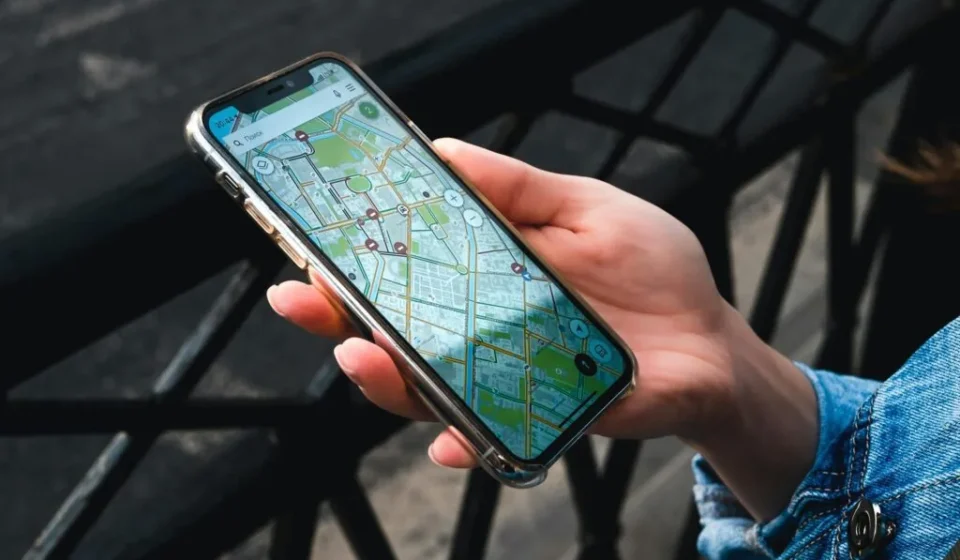

KakaoMap navigation alone solves Seoul subway transfers, real-time bus arrivals, and nearby restaurant searches at once. This guide covers the main features of Korea’s leading map app and practical tips foreign students can use immediately, written from a beginner’s point of view.
Korea has two major map apps: KakaoMap and Naver Map. KakaoMap is praised for its intuitive interface, strong bus and subway transfer guidance, and real-time traffic information. Integration with KakaoTalk and Kakao T is another strength.
For foreigners, English support matters: this app lets you switch parts of the interface to English. The current iOS listing supports English and Korean; Chinese UI support is not listed. Some place information remains in Korean. Pairing it with the Seoul Subway Route Map Guide makes public transit even easier.
Install “KakaoMap” from the App Store or Google Play. Linking a KakaoTalk account is convenient, but most features also work as a guest. You must allow location permissions to use GPS-based route guidance. For related tips, also see the Bukchon Hanok Village walking guide.
Type things like “OOO Station,” “OO University,” or “OO-dong restaurants” into the search bar, and the map moves to that location with nearby info. Adding your school or dorm to favorites saves you from typing the address every time. For related tips, also see the Namsan Tower trail complete guide.
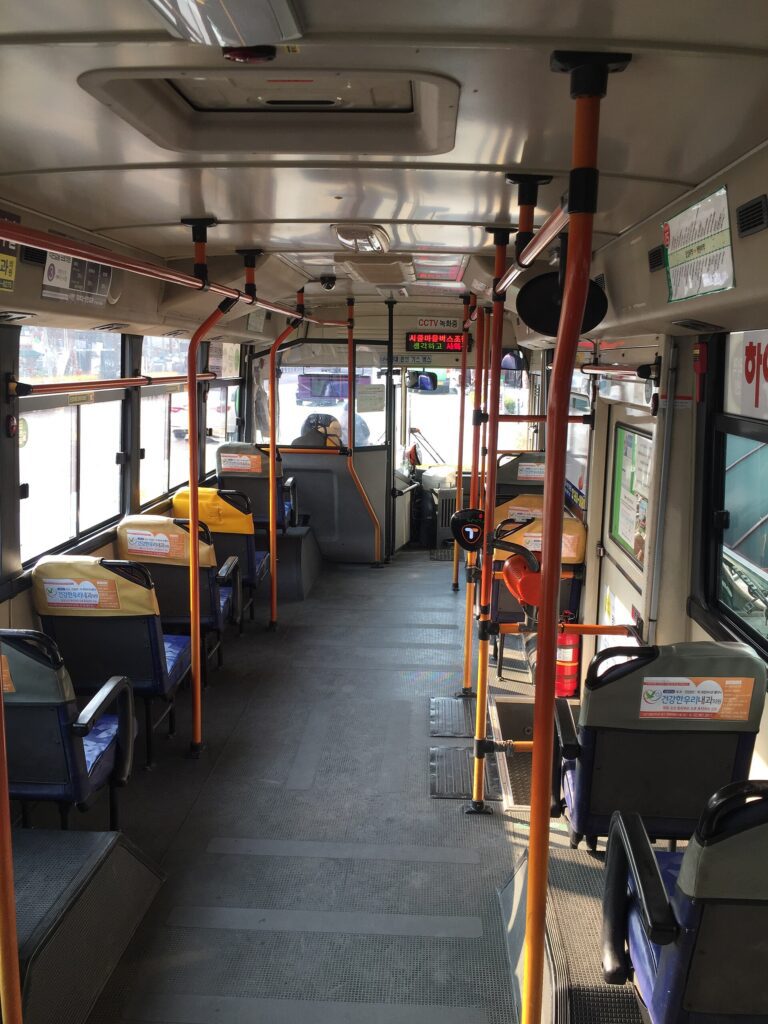
You can choose your mode of transport among “public transit,” “car (including taxi),” and “walking.” Enter a departure time and the app estimates travel time and arrival time. Subway and bus transfer details are shown clearly, so you can see at a glance when the next bus arrives and how far you’ll walk between transfer stations.
For example, entering “Departure: Sinchon Station → Destination: Gangnam Station” lets you compare routes with fewer transfers, faster travel time, or shorter walking distance. The official app is also available as a web version at the KakaoMap official site.
Route options at a glance
| Mode | Info shown | Best for |
|---|---|---|
| Public transit | Transfers, travel time, walking distance, real-time bus arrival | Commuting, daily moves for foreign students |
| Car / taxi | Estimated fare, real-time traffic, Kakao T link | Night, heavy luggage, heavy rain |
| Walking | Walking route and distance; inspect steps and slopes separately | Short distance within 1.5 km |
| Bicycle | Ttareungi rental station locations, dedicated lanes | Han River riding, spring and fall |

Use KakaoMap to find nearby cafes, restaurants, hospitals, and banks
This app has rich local data, so you can easily find cafes, restaurants, convenience stores, pharmacies, banks, and hospitals around your current location. You can also sort by distance and check reviews and ratings. As a foreigner, it helps to pick places with English support or many foreigner reviews.
How to read real-time bus arrival info at a bus stop
Tap any bus stop in the app to see the listed routes and available estimated arrivals; some routes have no live data. Seeing “Bus 7016 arrives in 3 minutes” helps you time when to leave home. Tap a specific route to see its start, end, and full path.
Favorites and personalized maps
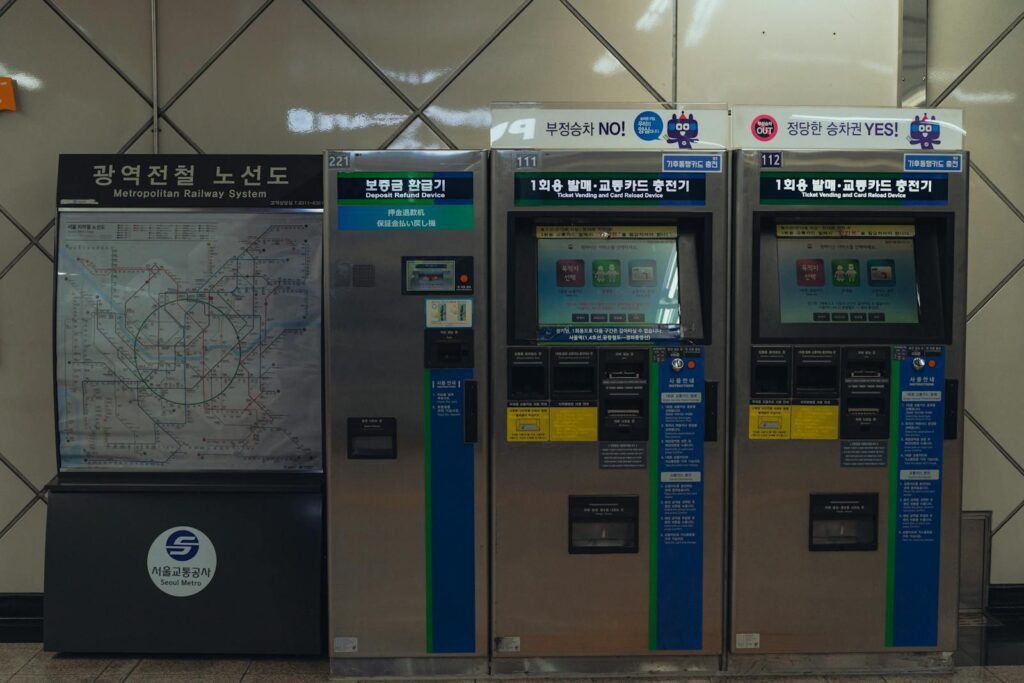
Use the “My Places” feature to save your school, dorm, regular cafes, and clinics, and organize them by theme folders. Categories like “restaurants I want to try” or “clinics for emergencies” make daily life much easier. Satellite view and Road View (street images) let you preview a destination’s alleys, so you won’t be lost on arrival.
KakaoMap language settings and caveats
This app’s default interface is Korean, but key place names, station names, and public transit guidance are also shown in English. GPS errors can occur in dense high-rise areas, and rural regions sometimes lack real-time bus information. For car navigation, the dedicated “Kakao Navi” app is more optimized.
Illustrative example, not a verified user story: exchange student Michael is heading to a cafe in Itaewon for the first time. He types the destination into the search bar, and two routes appear: “40 minutes by subway, 30 minutes with a bus transfer.” He picks the bus transfer route and sees “Exit O → 5 min walk → Bus stop, bus arriving in 6 min.” After riding the bus and getting off at Itaewon, he checks the walking map, road names and saved Road View images to locate the cafe. If Korean public transit is new to you, also check 12 Best Seoul Night View Spots by Time for clearer route planning.
Kakao T and KakaoTalk integration tips
Share a place or route through KakaoTalk using the available share control. Live location sharing is a separate feature: KakaoMap’s updated Friend Location service requires the participating users’ consent and permissions. Confirm who can see your location, the sharing duration and how to end it; sending a static place pin is not the same as live tracking. Taxi links vary by app version, so confirm the destination in Kakao T before requesting a ride.
This app is an essential tool that any newcomer to Korea should learn first. Subway and bus transfers, real-time arrival info, nearby search, and favorites management together save a lot of travel time. It needs mobile data and a GPS signal, so keep an eye on battery life. For background on Korea’s transit system, see the Seoul Metropolitan Subway Wikipedia page.
K-Name Studio: Create your perfect Korean name based on your personality and style.
What’s My K-Beauty Personal Color?
WeBring Service : Provides personalized services to foreigners living in Korea
Exclusive offer: Introducing foreign car rental in Korea, WeBring-SoCar
Sources checked (2026-09-08): 1, 2, 3, 4.
Last updated: 16 September 2026
Rules, fees and procedures can change over time. Before an important decision, check the latest guidance from the relevant authority.
WeBring operates its own services for foreign residents in Korea. The following is a promotion for those services.
Living in Korea? You don't have to figure it out alone
Insurance, visas, jobs and hospital interpretation — WeBring supports every step of settling in Korea, in your language.