
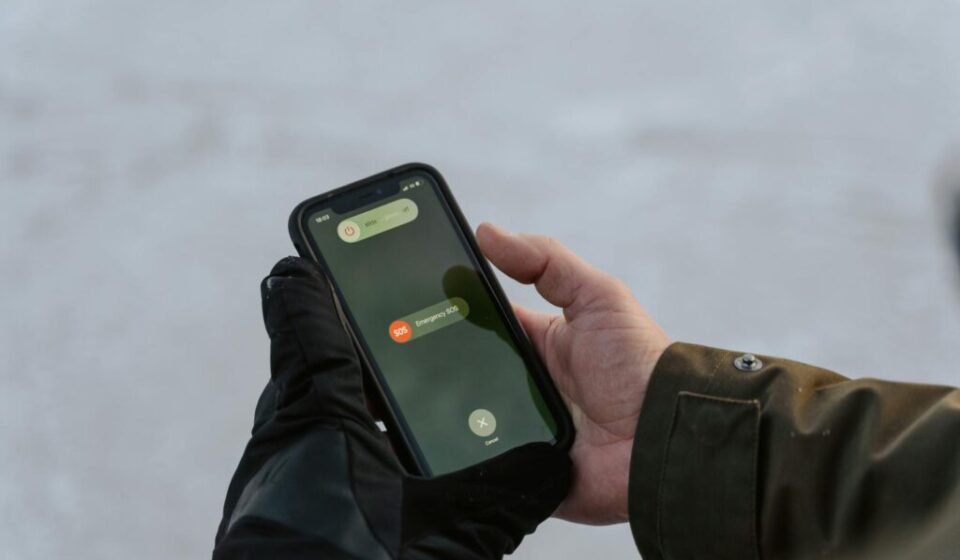

Korea emergency alert text response is one of the first life-safety skills a foreigner should learn in Korea. When your phone suddenly blares like a siren in Korean, panic is normal — but knowing the three message types and the 7-step action order lets you decide within 10 seconds. This guide covers the differences between emergency, urgent, and safety alerts, how to receive notifications in English or your native language, iPhone and Galaxy settings, and how to spot smishing — all in one practical foreigner-focused guide.
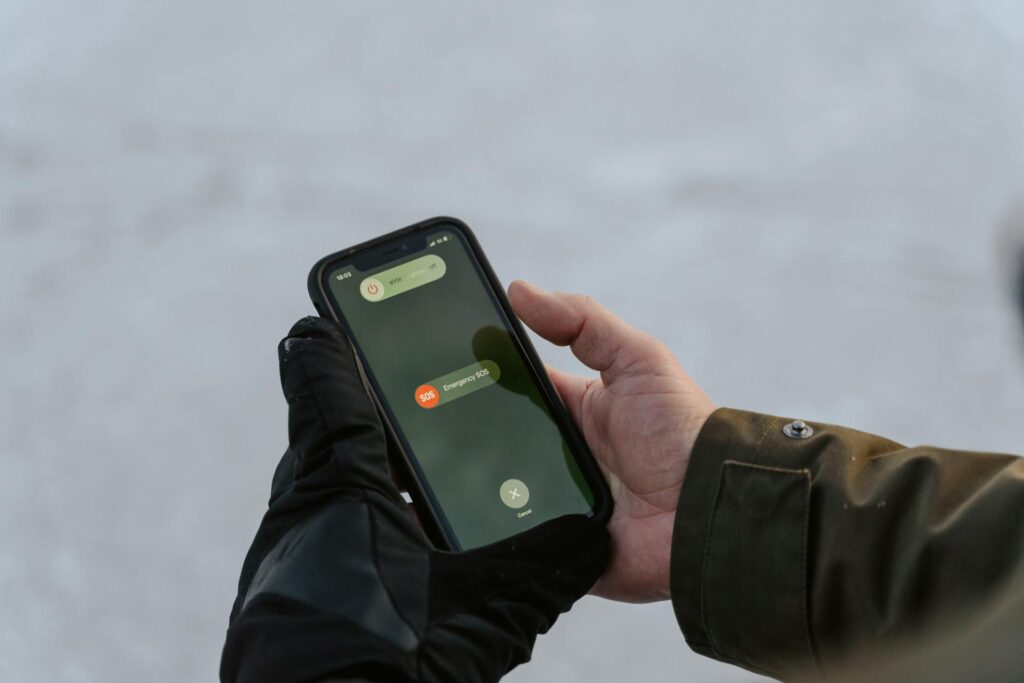
Korea Emergency Alert Text Response: 3 Message Types at a Glance
Korea’s emergency alert texts come in three types — emergency, urgent, and safety. Just identifying the type is half of the Korea emergency alert text response.
| Display example | Meaning (severity) | Feature |
|---|---|---|
| Emergency Alert | Immediate response — life or wartime threats | Loud alarm, opt-out not allowed |
| Urgent Alert | Serious situations requiring evacuation or restriction | Loud or clear alarm, device settings affect it |
| Safety Notice | Caution / action guides (heatwave, fine dust, etc.) | Less urgent, silent / vibrate settings have strong effect |
Seoul’s guidance also notes that emergency-grade messages cannot be opted out of, while urgent and safety alerts can (Seoul OpenGov). Government materials explain why standardized siren tones are used for evacuation and wartime situations (Korea.kr).
Korea Emergency Alert Text Response in 7 Steps
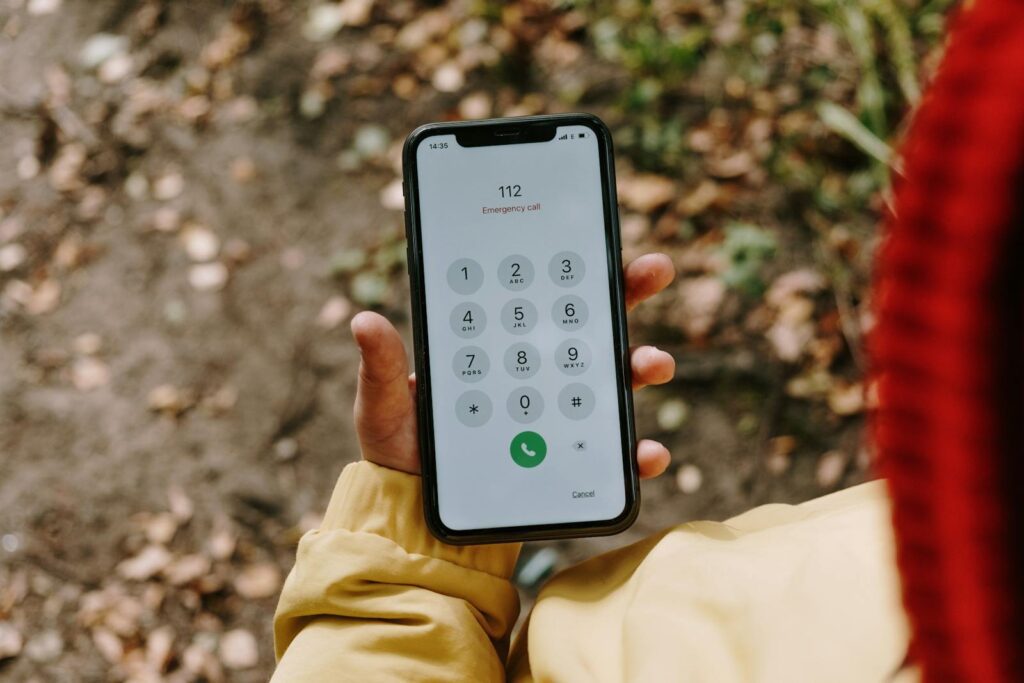
You don’t need perfect Korean reading. Following the order below turns panic into action fast. For general phone safety, also see our T-money transit card complete guide.
Step 0: Breathe and Take a Screenshot
When you panic, reading speed drops. Taking a screenshot first lets you re-read calmly and steadies your mind.
Step 1: Check the Type in the First Bracket
[Emergency Alert] / [Urgent Alert] / [Safety Notice] — this one line in the bracket sets your priority (Seoul OpenGov).
Step 2: Check If It Is a Drill
If the message contains phrases like “훈련 (drill)”, “민방위훈련 (civil defense drill)”, or “실제상황 아님 (not a real situation)”, it is likely a drill. Still, follow the broadcast — it’s a movement / evacuation rehearsal.
Step 3: Find the Area and Time First
Korean emergency alerts usually follow a “where (area) / when / what / how” structure. Locking onto area and time first lets you decide whether it concerns you in 5 seconds.
Step 4: Extract the Action Verbs
Catching just these verbs — “대피 (evacuate)”, “통제 (closed)”, “자제 (refrain)”, “주의 (caution)”, “우회 (detour)”, “중지 (stop)” — tells you what to do right now.
Step 5: Act Immediately (Move to underground / high ground / shelter as instructed / Move / Avoid)
Especially when you see “대피 (evacuate)”, move first — before you open a translation app.
Step 6: Cross-Check on Official Channels in 1 Minute
- Check the National Disaster Safety Portal (SafeKorea) disaster message list for the same alert
- Re-check on the 안전디딤돌 app or Emergency Ready App (for foreigners)
Step 7: For Life-Threatening Risk, Call First
- Fire / Ambulance: 119
- Crime / Threat: 112
- Foreigner hotline: 1330 (English / Chinese / Japanese, 24/7)
Korea Emergency Alert Text Response: Korean Action-Word Cheat Sheet
Memorizing the most common Korean words turns fear into understanding.
| Korean | Meaning | What to do now |
|---|---|---|
| 대피 | Evacuate | Move to underground, higher ground, or a shelter as instructed |
| 즉시 | Immediately | Act right now, do not delay |
| 통제 | Restricted / Closed | No entry to that area, take a detour |
| 자제 | Refrain | Reduce outings, travel, and activity |
| 우회 | Detour | Use a different route |
| 침수 | Flooded | Avoid underpasses and riversides |
| 낙뢰 | Lightning | Stop outdoor activity, hiking, golf |
| 산사태 | Landslide | Avoid slopes, prepare to evacuate |
| 지진 | Earthquake | Protect your body during shaking, then move to safety |
| 화재 / 산불 | Fire / Wildfire | Avoid smoke direction, follow evacuation guidance |
| 민방공 / 공습 / 경계경보 | Civil defense alert | Evacuate per siren and broadcast instructions |
Civil defense alarm levels (alert, air raid, nuclear, CBRN, all-clear) and the basic action guides are detailed at the National Disaster Safety Portal (SafeKorea Civil Defense).
Korea Emergency Alert Text Response: How to Receive in English / 5 Languages
There are two ways for foreigners to receive emergency alerts in their native language. Using both reduces the risk of missing information.
Method 1: English Markup on Emergency / Urgent Alerts
Since 2024, the Ministry of the Interior and Safety and the Korea Meteorological Administration have updated the system so that emergency and urgent alerts include core info — disaster type, earthquake magnitude — in English (MOIS press release). Minimum English hints appear more often than before.
Method 2: Emergency Ready App (5 Languages for Foreigners)
Emergency Ready App is the foreigner version of Korea’s official disaster app “안전디딤돌”. It provides alerts, action guides, shelters, and embassy contacts (Korea Immigration Service). MOIS expanded its language coverage from English and Chinese to also include Vietnamese, Thai, and Japanese — five languages total (MOIS multilingual expansion).
Emergency Ready App 3-Minute Setup
- Search and install “Emergency Ready” on the App Store or Google Play
- On first launch, pick a language (English / Chinese / Japanese / Vietnamese / Thai)
- Turn on emergency alert push and cell-based reception in Settings
- Allow location permission (for current-location alerts)
Korea Emergency Alert Text Response: iPhone and Galaxy Setup
If your phone’s government alerts are off, you may miss emergency or urgent messages. Check these settings once.
iPhone Government Alert Settings
Settings → Notifications → scroll to the bottom “Government Alerts” to toggle each alert type (Apple Support). Some alerts are force-enabled depending on country and regional policy.
Galaxy Urgent Alert Settings
Settings → Notifications → Advanced settings → Wireless emergency alerts (or Emergency notifications) — toggle reception there (Samsung Service). If menu names change after an OS update, search the Settings app for “긴급”, “재난”, or “경보”.
Korea Emergency Alert Text Response: Common Misconceptions
I Got a Message for an Area I Don’t Live In
Likely not an error. Emergency alerts use Cell Broadcast (CBS) at the base-station level rather than regular SMS, so administrative borders and cell coverage do not perfectly match — neighboring areas can receive the message too (MOIS guidance).
My Phone Is on Silent but It Rings Like a Siren
Emergency and urgent grades are designed to ring loudly so users cannot miss them (policy material). Ringing despite Silent or Do Not Disturb is normal.
I Want to See a Missed Emergency Alert
Check the SafeKorea disaster message list by time, area, or type. The 안전디딤돌 / Emergency Ready App also serves as a backup channel.
Is the Civil Defense Siren Different From an Alert Text?
Yes, they are different. Alert texts are phone alarms; civil defense sirens are wartime / air-raid emergency systems. SafeKorea categorizes civil defense alerts into Alert, Air Raid, Nuclear, CBRN, and All-Clear. When you hear the siren, follow broadcast instructions and move to the nearest underground space or shelter (SafeKorea Civil Defense Action Guide).
Korea Emergency Alert Text Response: 3 Rules to Spot Smishing
Smishing that mimics emergency alerts or impersonates government bodies happens regularly. The Ministry of the Interior and Safety has warned not to tap URLs in fake “긴급재난지원금” (emergency relief) messages (MOIS smishing warning). KISA also repeatedly cautions about URL-bearing text messages (KISA smishing notice).
- If the message has a link (URL), stop first
- Verify the same announcement on official apps and portals (e.g., SafeKorea)
- If suspicious, report it — for malicious-app suspicion, call KISA 118
Korea Emergency Alert Text Response: 3-Minute Safety Setup Checklist
- Confirm Government Alerts (emergency texts) is ON on iPhone or Galaxy
- Install Emergency Ready App, set language, allow location
- Bookmark the SafeKorea disaster message list page
- Memorize four keywords: 대피 (evacuate), 통제 (closed), 자제 (refrain), 우회 (detour)
- For URL-bearing messages, verify on official channels before tapping
- Save emergency numbers: 119 (fire / ambulance), 112 (crime), 1330 (foreigner hotline 24/7)
Korea Emergency Alert Text Response FAQ
Q1. What Is the Difference Between Urgent and Safety Alerts?
Urgent alerts often require immediate action like evacuation or restriction, while safety alerts lean toward heads-up information such as heatwaves or fine dust. Seoul’s guidance also splits messages into emergency, urgent, and safety.
Q2. Can I Receive Emergency Alerts in English?
Since 2024, English markup of core info on emergency and urgent alerts has expanded, and Emergency Ready App offers alerts in five languages — English, Chinese, Japanese, Vietnamese, Thai.
Q3. Are There Phones That Cannot Receive Alerts?
If your device has issues receiving alerts, MOIS recommends installing the 안전디딤돌 app as a backup. Foreigners should also install Emergency Ready App for safety.
Q4. Can I Block Emergency Alerts Entirely?
Not recommended. Korea has many variables — heavy rain, typhoons, wildfires, earthquakes, civil defense — so keeping emergency-grade alerts always on is safer. Only safety alerts can be adjusted to your situation.
Q5. Is There a 24/7 Hotline for Foreigners?
The Korea Tourism Organization runs 1330, providing 24/7 interpretation and guidance in English, Chinese, and Japanese. Use it for disasters and emergencies, but also transit, medical, and travel questions.
- Korea Emergency Help Phrases — Police, Hospital, Lost-Item Vocabulary for Foreigners
- Foreigner Personal Data Protection Checklist: Korea Authentication and Document Safety Guide
- Online Defamation Law Basics: Expression Risks Foreigners Should Know in Korea
- National Disaster Safety Portal SafeKorea Official Site
K-Name Studio: Create your perfect Korean name based on your personality and style.
What’s My K-Beauty Personal Color?
WeBring Service : Provides personalized services to foreigners living in Korea
Exclusive offer: Introducing foreign car rental in Korea, WeBring-SoCar
WeBring operates its own services for foreign residents in Korea. The following is a promotion for those services.
Living in Korea? You don't have to figure it out alone
Insurance, visas, jobs and hospital interpretation — WeBring supports every step of settling in Korea, in your language.