
Top 10 Korean Apps Blocking Foreigners’ Mobile Phone Verification and Complete Solution Checklist
To live in Korea, you often need to use a variety of mobile apps. However, foreigners are surprisingly often unable to use them due to issues with mobile phone verification. So today, we’ll look at the Top 10 apps that get blocked because of “identity verification” and a checklist to fix the problem. In real life in Korea, the #1 source of stress isn’t the app—it’s “identity verification.” You install a delivery app and registration gets blocked, a payment app blocks you at login, and government sites demand a certificate from the start.
The key point is this:
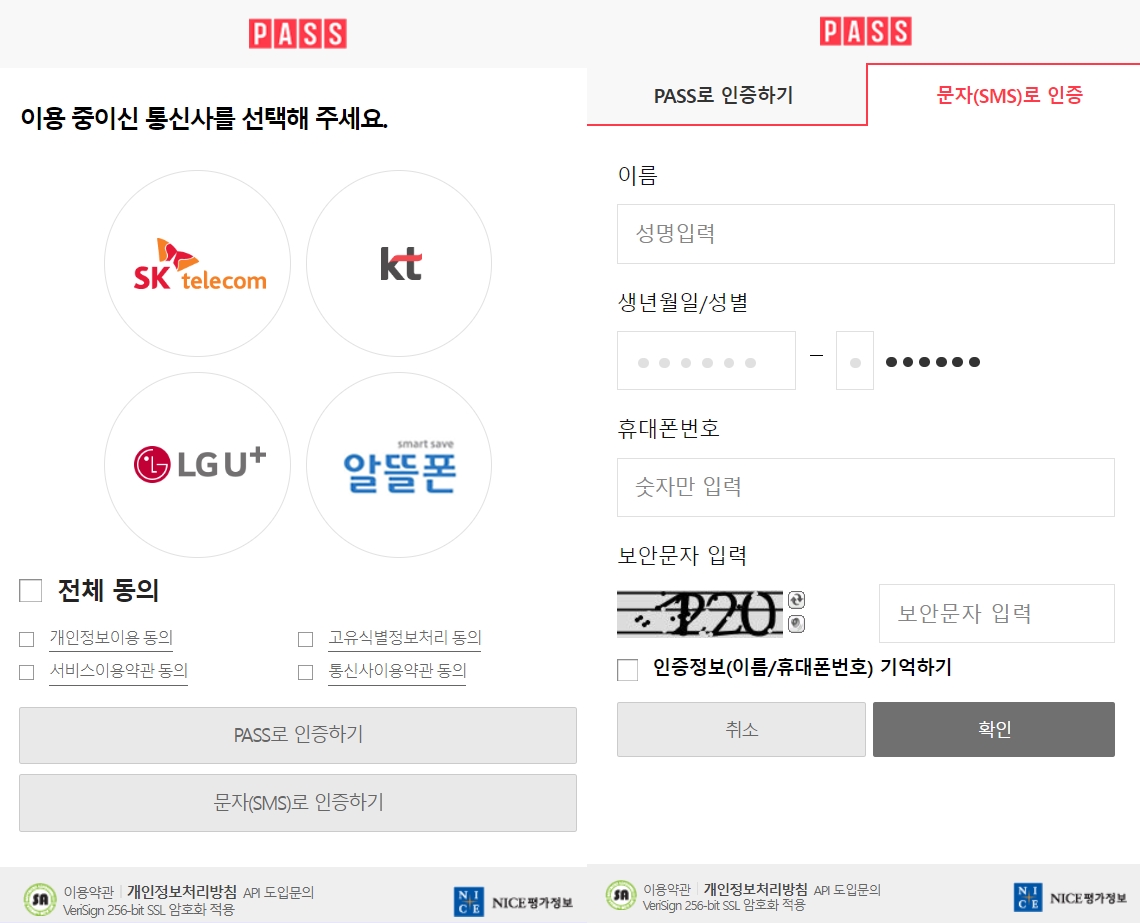
- Korea’s “mobile phone identity verification” is linked to your carrier information under your name. In other words, it’s not just a problem of receiving a text—it’s a structure where name/identity information matching issues can occur. (Minwon)
- PASS is ultimately based on “a line that can perform mobile phone identity verification.” Official guidance says foreigners can use it too if they meet the conditions. (PassAuth)
Below are the Top 10 apps foreigners especially often get blocked on, and a checklist for “where to fix first” when you’re stuck.
Top 10 Apps Blocked by Identity Verification (For Foreigners)
How to read this: If you look at the “moment you get stuck,” it will match your situation immediately.
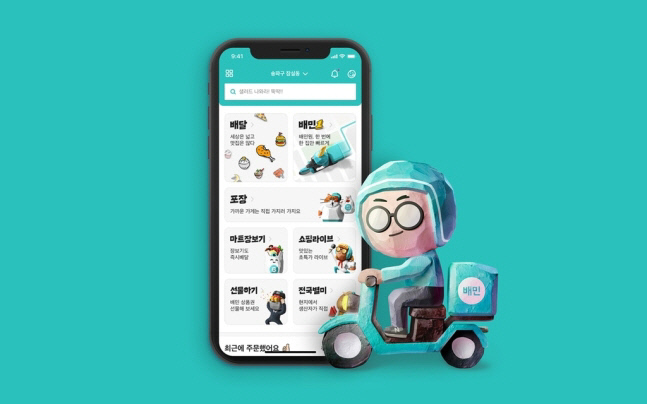
1) Baedal Minjok (Baemin)
- When you get stuck: During sign-up, it asks for name/resident registration number (or real-name info)/mobile number/carrier selection and proceeds with verification
- Why it gets stuck: If the name/owner formatting registered with the carrier differs from what you enter, it’s easy to fail
- Source: Baemin’s easy-use guide clearly lists the sign-up flow including entering name·resident registration number·mobile number + selecting a carrier + entering the SMS verification code. (easybaemin.com)
Fix tip:
- A line under your name (ideally postpaid) + entering your name exactly as registered with the carrier (spelling/spacing) is the most important
2) Coupang
- When you get stuck A: During the first purchase/payment, an additional identity check pops up
- When you get stuck B: When finding your ID/password, it asks you to “verify with a mobile phone under your name”
- Source (1): Coupang states in its privacy policy that for identity verification at purchase, it collects a resident registration number or alien registration number once (first time only). (Coupang Privacy Center)
- Source (2): On the account info recovery screen, it also instructs you to verify whether your name + registered mobile number match. (login.coupang.com)
Fix tip:
- Before focusing on “receiving SMS,” check whether the name/number registered in Coupang = the carrier account holder information

3) Yogiyo
- When you get stuck: It requires “mobile phone identity verification” for sign-up/coupons/membership/some services
- Source: In Yogiyo’s privacy policy
- For email sign-up, a mobile phone number is required, and
- Under “Identity Verification,” it states that when using [mobile phone identity verification], it collects DI/date of birth/gender/Korean or foreigner status, etc. (Yogiyo)
Fix tip:
- Foreigners often fail especially at Korean/foreigner selection or due to mismatched carrier registration information (standardizing name formatting is key)
4) Kakao T (Kakao Mobility)
- When you get stuck: The mobile number verification step at the start of sign-up
- Source: Kakao Mobility’s support guidance includes wording that “verification is required with the mobile number you will use.” (Kakao Mobility)
Fix tip:
- If you need a taxi urgently, check SMS reception first before signing up (carrier blocking/spam inbox/number input format)
5) NAVER Account
- When you get stuck: Sign-up/account protection measures/SMS verification reception issues
- Source: NAVER’s Help Center states that there is a limit to how many IDs you can create within a certain period via mobile number verification. (Naver Help Center)
Fix tip:
- If verification texts don’t arrive, don’t suspect only “carrier issues”—also suspect attempt limits/issuance limits
6) Naver Pay (Npay)
- When you get stuck: During payment, a “security procedure 강화” pop-up appears requiring ARS verification (phone call verification)
- Source: In Naver Pay Help
- It says ARS verification may be required if suspicious activity is detected, and
- That you can use the service normally only after completing ARS verification with a mobile phone under your name. (Naver Pay Help Center)
Fix tip:
- If you have a data-only eSIM or a plan that only receives texts, you may get stuck at ARS → a line that can receive voice calls is safer
7) KakaoPay
- When you get stuck: During identity verification, you see “Carrier information does not match” / verification fails
- Source: KakaoPay Support notes that identity verification can be difficult if there is a mismatch in entered info or if the phone is temporarily suspended, and recommends checking the carrier-registered information/status. (KakaoPay Support)
Fix tip:
- Before thinking “Did I type it wrong?”, check whether the name/date of birth/gender/residency info registered with your carrier is accurate
8) Toss
- When you get stuck: Sign-up/login itself is blocked (especially for short-term stays or lines under someone else’s name)
- Source: Toss FAQ states that starting October 23, 2023, sign-up/login requires mobile phone identity verification under your own name. (Toss Support)
- Extra: If you changed your number, you must complete a new-number verification process in Toss. (Toss Support)
Fix tip:
- Toss offers little room for “alternative verification” → the correct answer is to set up a line under your own name from the start
9) Gov 24
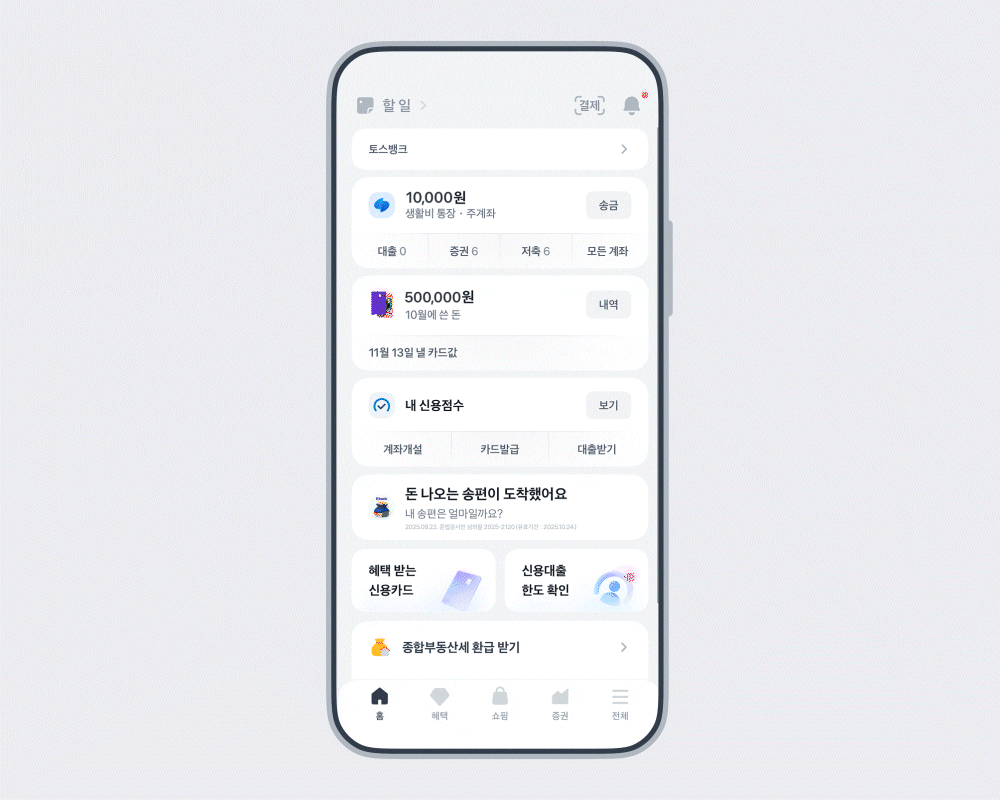
- When you get stuck: During sign-up/login/civil service processing, at the simple 인증 or mobile phone identity verification step
- Source: In a Toss Payments guide, during the Gov 24 sign-up process
- After checking “I will use simple verification,”
- It instructs you to proceed with mobile phone identity verification. (Toss Payments)
- Reference (official context): Government portals also display notices requiring certificate/simple verification registration. (Gov 24)
Fix tip:
- To use simple verification like PASS/Naver/Kakao, in many cases that authentication app is itself based on mobile phone verification under your name (meaning you must fix the “phone issue” first)
10) HomeTax (SonTax)
- When you get stuck: The identity verification step during sign-up
- Source: HomeTax usage guidance states that individuals can sign up via identity verification using a joint certificate/mobile phone/credit card. (HomeTax)
Fix tip:
- If mobile phone identity verification doesn’t work, consider using a joint certificate or credit card verification as a workaround route (feasibility varies by situation)
Foreigner “Identity Verification” Fix Checklist (Follow this and your success rate goes way up)
This checklist is a cause classification table made so you can review it “at a glance.” As you check each item, fix only what applies to you.
1) First, identify which type of verification you’re stuck on
A. SMS verification (receiving a 6-digit text)
- The text arrives but the app fails → likely mismatched account holder info
- No text arrives at all → possible spam blocking/overseas device/number input format/carrier outage
B. Mobile phone identity verification (carrier/KCB/NICE integration)
- Typical signs: A screen asking for name/date of birth/gender/carrier selection, etc.
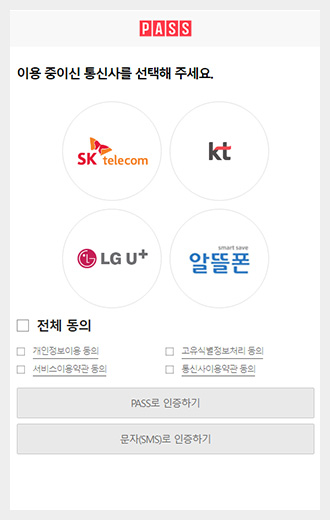
- Core principle: It’s an identity verification service linked to a carrier line registered under your name. (Minwon)
C. ARS verification (pressing numbers on a phone call)
- Often appears during enhanced security, like with Naver Pay (Naver Pay Help Center)
- If you have a data-only eSIM / no-voice plan, you often get stuck here
2) Is it a “line under my name”? (80% of foreigners’ verification issues end here)
- Some services, like Toss, explicitly require “identity verification under my name.” (Toss Support)
- Coupang also guides users that the name/mobile number must match the member information. (login.coupang.com)
✅ Check
- Is the number opened under my name? (If it’s under a company/friend/family member’s name, it usually gets blocked sooner or later.)
- Is it not data-only—can it receive SMS + voice calls? (for ARS)
- If it’s an MVNO, did you check in advance whether PASS is supported / identity verification is possible? (PASS certificate FAQ also mentions MVNO support) (PassAuth)
3) Match the “name format” registered with your carrier 100% with what you enter in the app
This is the classic pattern of verification failure:
Your passport/ARC/carrier/bank/app all store your name differently.
✅ Check
- Is the name registered with the carrier (English/Korean, spacing, hyphens) the same as your ID documents/app input?
- If you see “carrier information mismatch” like in KakaoPay, check carrier-registered info/suspension status first (KakaoPay Support)
- Services that use DI/Korean-foreigner status like Yogiyo can fail if even one input option is off (Yogiyo)
Fastest fix route (practical tip)
- Check your “subscription information (account holder/DOB/status)” at a carrier store/customer center → enter it in the app exactly as shown
4) Set up PASS first, and identity verification becomes much easier afterward
The PASS certificate FAQ also states that “foreigners can use it too (if conditions are met).” (PassAuth)
✅ Check
- Can you sign up for the PASS app?
- Does PASS authentication (push/biometrics) work?
- If not: it’s highly likely a line ownership/registered information problem (go back to #2/#3)
5) If you get stuck at ARS (phone): secure “voice call reception” first
Naver Pay notes that ARS verification may be required, and that it must be done with a mobile phone under your name. (Naver Pay Help Center)
✅ Check
- Can my line receive voice calls?
- Are calls being blocked due to an overseas device or blocking apps?
- Are call forwarding/spam blocking settings too aggressive?
6) Government/tax sites may allow “workarounds” via alternative verification methods
- HomeTax states there are options such as a joint certificate/mobile phone/credit card. (HomeTax)
- Gov 24 frequently uses flows involving simple authentication/mobile phone identity verification. (Toss Payments)
✅ Check
- If mobile verification doesn’t work, did you try alternatives like a joint certificate or card verification?
- If the authentication app (Kakao/Naver/PASS) itself is “based on a mobile phone under your name,” the conclusion is that you must normalize your phone info first
7) “Shortcuts” you should never take
While searching, you may come across risky posts about “010 verification” or “proxy services”, but these can lead to account suspension, payment issues, and legal problems.
Identity verification is literally based on the “person themself,” and many services like Toss and Socar explicitly require “under my name.” (Toss Support)
(For saving) Foreigner identity verification problem—“What to bring” checklist
If you prepare the items below when contacting customer service or visiting a carrier, resolution will be faster.
- Passport, Alien Registration Card (ARC)
- A mobile phone under your name (including SIM)
- Screenshots of the blocked screen (including the error message)
- Which type of verification it is: notes on SMS / mobile phone identity verification / ARS / simple authentication (PASS, etc.)
- Proof to confirm whether it’s a “line under my name” (check carrier subscription information)
FAQ (Foreigners’ mobile phone identity verification)
Q1. Can foreigners do mobile phone identity verification in Korea?
Yes. However, mobile phone identity verification is structured to be linked to a carrier line subscribed under your own name, so ownership/registered information is the key. (Minwon)
Q2. Can foreigners use PASS?
According to the PASS certificate FAQ, it states that foreigners can use it if they can receive mobile phone identity verification and can sign up for the authentication app. (PassAuth)
Q3. Why is Toss so strict?
Toss announced that starting October 23, 2023, sign-up/login requires mobile phone identity verification under your own name. (Toss Support)
Q4. What’s the most common reason sign-up gets blocked on delivery apps (Baemin/Yogiyo)?
In most cases, it’s a mismatch in carrier-registered information (name formatting/account holder). Baemin’s sign-up flow includes carrier selection + SMS verification (easybaemin.com), and Yogiyo also specifies an identity verification item based on mobile phone identity verification. (Yogiyo)
Q5. If ARS verification appears during a Naver Pay payment, do I have to do it?
Naver Pay explains that ARS verification may be required for risky transactions/suspicious activity, and that you can use the service normally after completing ARS verification with a mobile phone under your name. (Naver Pay Help Center)
Q6. Coupang shows a message saying “Check whether your name/mobile number match.” Why?
Coupang provides guidance during identity verification that requires the member information to match the name/mobile number you enter. (login.coupang.com)
Q7. Does Gov 24 always require mobile phone identity verification?
It depends on the task/login method, but in real sign-up guides, the flow of choosing simple authentication and then proceeding to mobile phone identity verification is frequently shown. (Toss Payments)
Q8. If KakaoPay says “Carrier information does not match,” what should I do?
As KakaoPay Support explains, it may be due to mismatched entered information or a temporarily suspended phone, so checking your carrier-registered information/status comes first. (KakaoPay Support)

K-Name Studio: Create your perfect Korean name based on your personality and style.
What’s My K-Beauty Personal Color?
WeBring Service : Provides personalized services to foreigners living in Korea
Exclusive offer: Introducing foreign car rental in Korea, WeBring-SoCar