
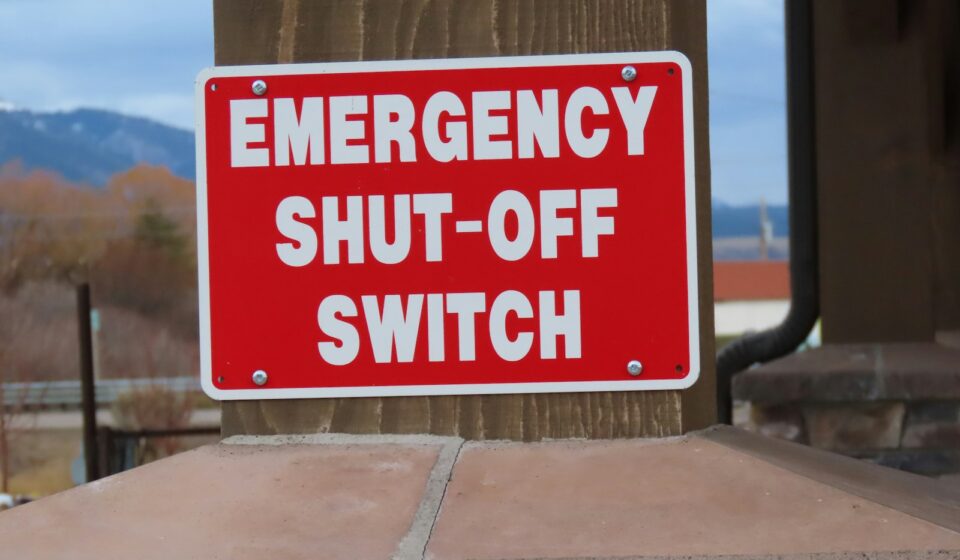
Korea Emergency Alert Guide: 7-Step Response, English Setup, Smishing Detection
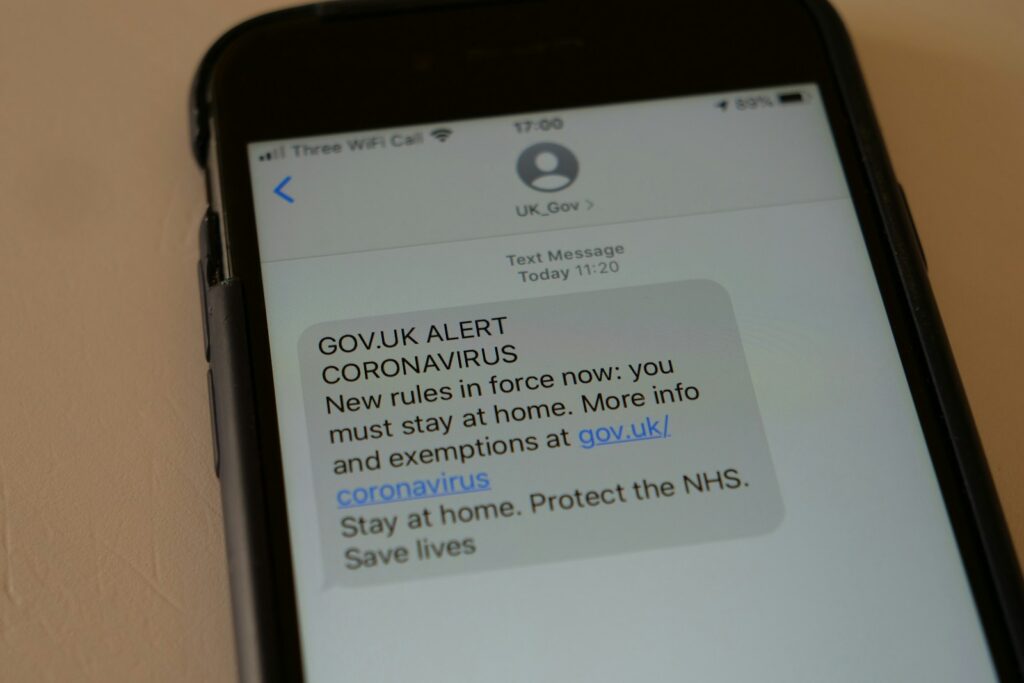
Korea emergency alert (긴급재난문자) is the most jarring 5 seconds in any new international resident’s daily life — a phone suddenly screaming at siren-level volume with a Korean-language message. Beyond the panic, every alert falls into one of three tiers (위급/긴급/안전안내 — critical / urgent / safety advisory), and once you can recognize the tier, the right response takes 10 seconds. This guide explains Korea emergency alert types, the 7-step response protocol, English-language alert setup on iPhone and Galaxy, the Safety Step app, smishing scam detection, and the multi-language hotline 1345 for foreign residents.
Korea emergency alert — three tiers explained
| Tier | Sound | Examples | Action |
|---|---|---|---|
| Critical (위급) | 60dB siren, 60 sec | War, large earthquake, missile | Take cover immediately |
| Urgent (긴급) | 40dB siren, 30 sec | Heavy rain, fire, evacuation | Find shelter, follow guidance |
| Safety Advisory (안전안내) | Notification chime | Heat wave, fine dust, COVID-19 | Read, no urgent action needed |
All three are sent automatically based on your phone’s cell tower location — no signup needed.
Korea emergency alert — 7-step response protocol
- 1. Read the message — first line indicates tier, second line gives location/event
- 2. Translate if needed — Google Lens or Papago can translate text via screenshot
- 3. Confirm tier — critical/urgent/advisory determines action level
- 4. Check location — alerts are tower-based; if event is far, lower priority
- 5. Follow specific guidance — message often includes shelter location or action
- 6. Verify via official channels — Safety Step app, KBS news, 1345 hotline
- 7. Share with family — KakaoTalk message to confirm safety
Korea emergency alert — English setup (iPhone vs Galaxy)
- iPhone: Settings → Notifications → scroll bottom → Emergency Alerts → check “Public Safety Alerts” + “Emergency Alerts”
- Galaxy: Messages → ⋮ menu → Settings → Emergency Alerts → enable all three categories
- Safety Step app (안전디딤돌) — official MOIS app, available in English; supplements phone alerts with map
- Foreign-language broadcast: KBS World Radio, TBS eFM run English emergency broadcasts during crises
Korea emergency alert — smishing detection
Smishing (SMS phishing) often mimics emergency alerts. Three rules to spot scams:
- Real alerts have no link — official messages never contain URLs
- Real alerts come from designated short codes, not regular numbers
- Real alerts don’t ask for personal info — never bank account, login, ID number
If unsure, check the Safety Step app for the same alert; if the alert isn’t there, it’s likely smishing. Report suspicious messages to KISA at 1336.
Korea emergency alert — multi-language hotline
- 1345 — Foreigner Information Center; 20+ languages; emergency translation support 24/7
- 1330 — Tourist Information Center; English/Chinese/Japanese
- 119 — Fire/medical emergency; English support via interpretation hotline
- 112 — Police; English support via interpretation hotline
Korea emergency alert: install Safety Step, set up alerts, save 1345
Korea emergency alert seems chaotic at first, but with proper setup the same notifications become a useful safety net rather than a panic source. Three setup tasks on day one — install Safety Step app, enable all emergency alert categories on phone, save 1345 hotline as a contact — turn future alerts from frightening to actionable in 10 seconds.
K-Name Studio: Create your perfect Korean name based on your personality and style.
What’s My K-Beauty Personal Color?
WeBring Service : Provides personalized services to foreigners living in Korea
Exclusive offer: Introducing foreign car rental in Korea, WeBring-SoCar
Living in Korea? You don't have to figure it out alone
Insurance, visas, jobs and hospital interpretation — WeBring supports every step of settling in Korea, in your language.