
Mastering Navigation in Korea: From GPS Devices to Map Apps
Hello, foreigners travelling to Korea! Are you afraid of getting lost in Korea? Do you want to master Navigation in Korea? It’s not easy to find your way around the country, especially with all the Korean place names and complex road networks. Even if you want to ask for directions, the language barrier can make you hesitate. But don’t worry, these days it’s really easy to find your way around with a navigation and map app.
Whether you’re taking public transport, driving, or walking, you’ll be able to get directions based on your situation. In this guide, I’ll show you how to navigate Korea from a foreigner’s perspective. From Google Maps to Kakao Maps to Naver Maps, I’ve gathered tips and tricks for using the apps. Start here, and conquer Korea! This article is part of the Korea Travel Guide: 55 Tips for Foreigners Getting to Know Korea series.
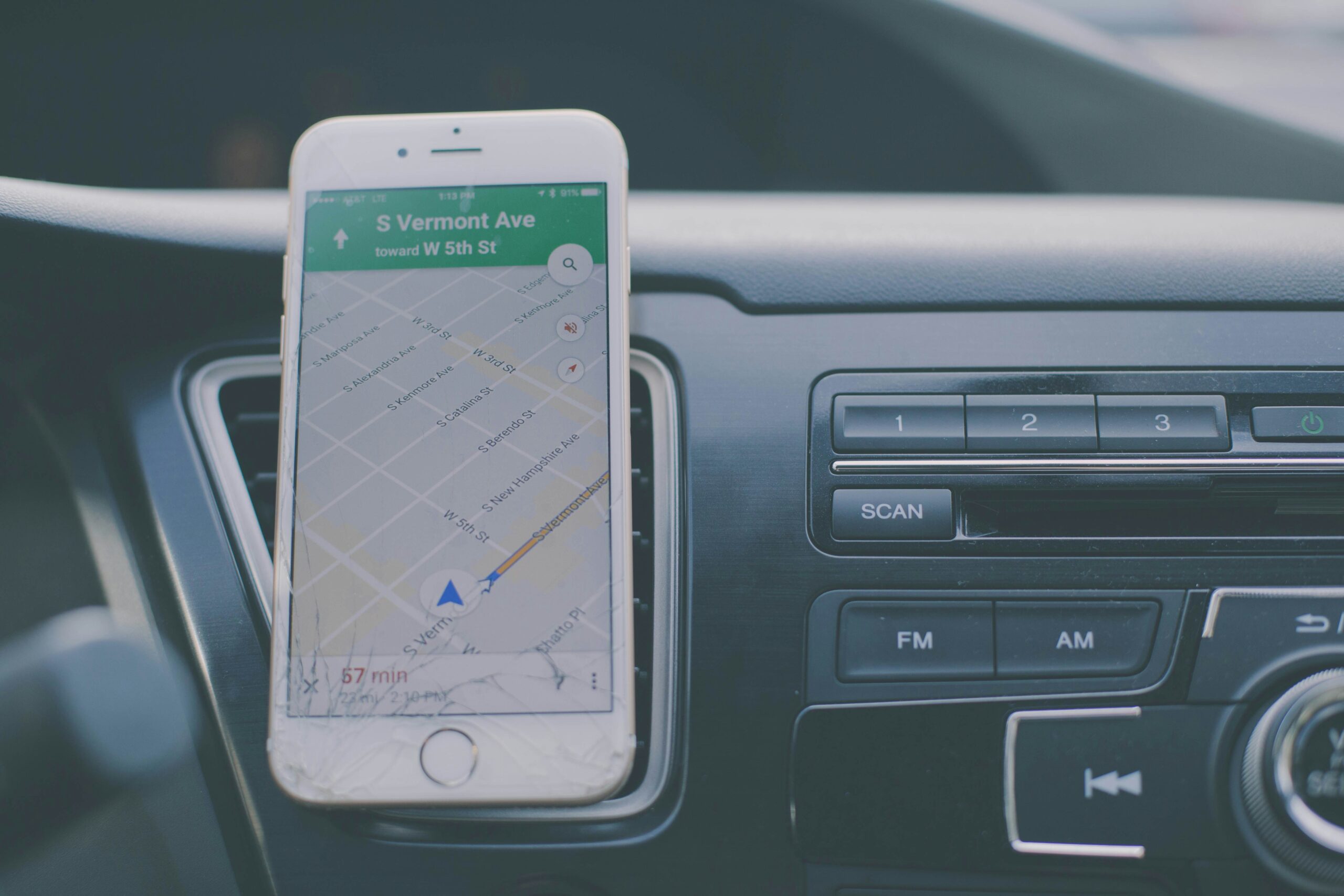
Using public transport with Google Maps
- Google Maps route search: Google Maps is also available in Korea. Enter your starting point and destination to get directions to public transport, including subways and buses, and it’s accurate with real-time traffic information.
- View subway maps: Tap the subway icon in Google Maps to see subway maps for major cities like Seoul, Busan, and Daegu, including transfer stations and travel times.
- Check train station information: You can also search Google Maps for train stations, such as Seoul KTX and Suseo SRT. You’ll find information on train station facilities, as well as the location of nearby bus stops and taxi ranks.
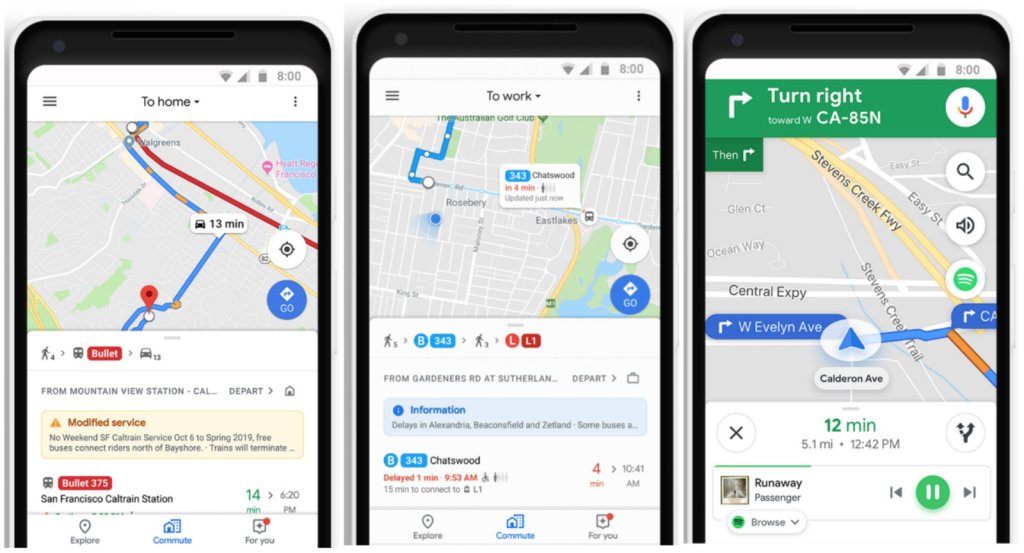
Travelling by car with Google Maps
- Get real-time directions: With Google Maps Navigation, you can get voice-activated directions while you’re driving. It takes into account real-time traffic conditions and guides you to the best route.
- Use turn-by-turn directions: In addition to the fastest route, you can choose options like free roads and avoiding motorways, which is great if you want to avoid tolls or take the scenic route.
- Find car parks: Search for car parks near your destination so you know how many spaces are available, how much they cost, and when they’re open so you don’t have to worry about parking.
Using with Google Translate
- Translate place names: Translate a place name in Korean with Google Translate and paste it into the Google Maps search bar. You’ll get a more accurate location search.
- Translate public transport information: Copy bus or subway information from Google Maps into Google Translate and translate it. It’ll help you understand where you’re going and where you’re stopping.
- Read reviews of places: Tap the name of a place to see user reviews, which you can translate into Google Translate. From restaurant menu recommendations to the atmosphere, you’ll find what locals are saying.
Tips for using the Kakao Maps app
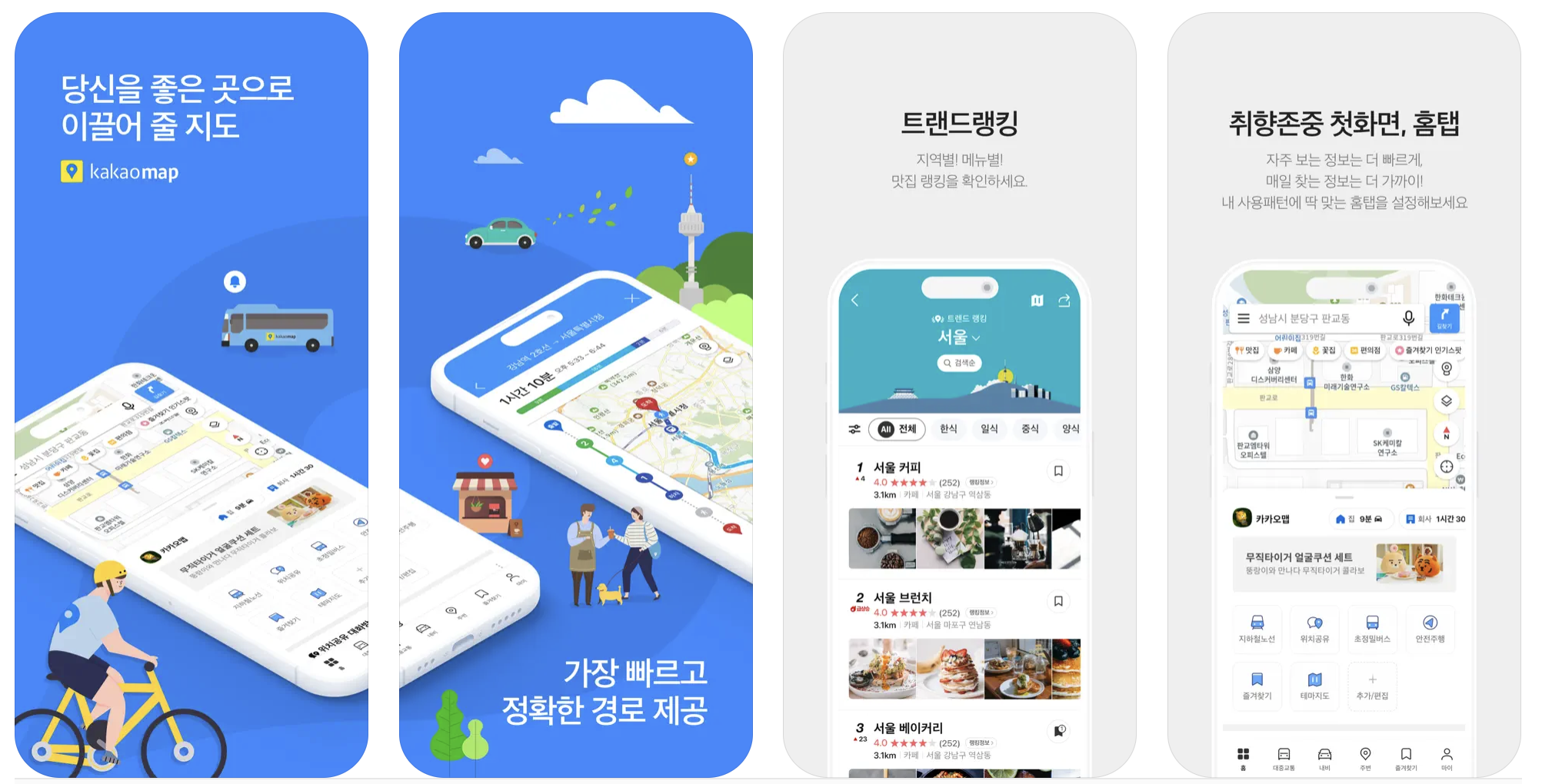
- KakaoMap features: KakaoMap is Korea’s flagship map app, with high map quality and accuracy and very detailed directions. It’s especially good for place search and directions.
- Subway entrance finder: If you’re in a crowded subway station, use KakaoMap’s ‘subway exit’ feature to help you find your way around.
- E-scooters and scooters in Kakao Maps: Kakao Maps shows real-time locations of electric scooters and public bicycle tricycles, as well as their rental locations. Use it to get around the city centre.
- If you’re already familiar with Kakao Maps, there’s a dedicated Kakao Navi app for native users.
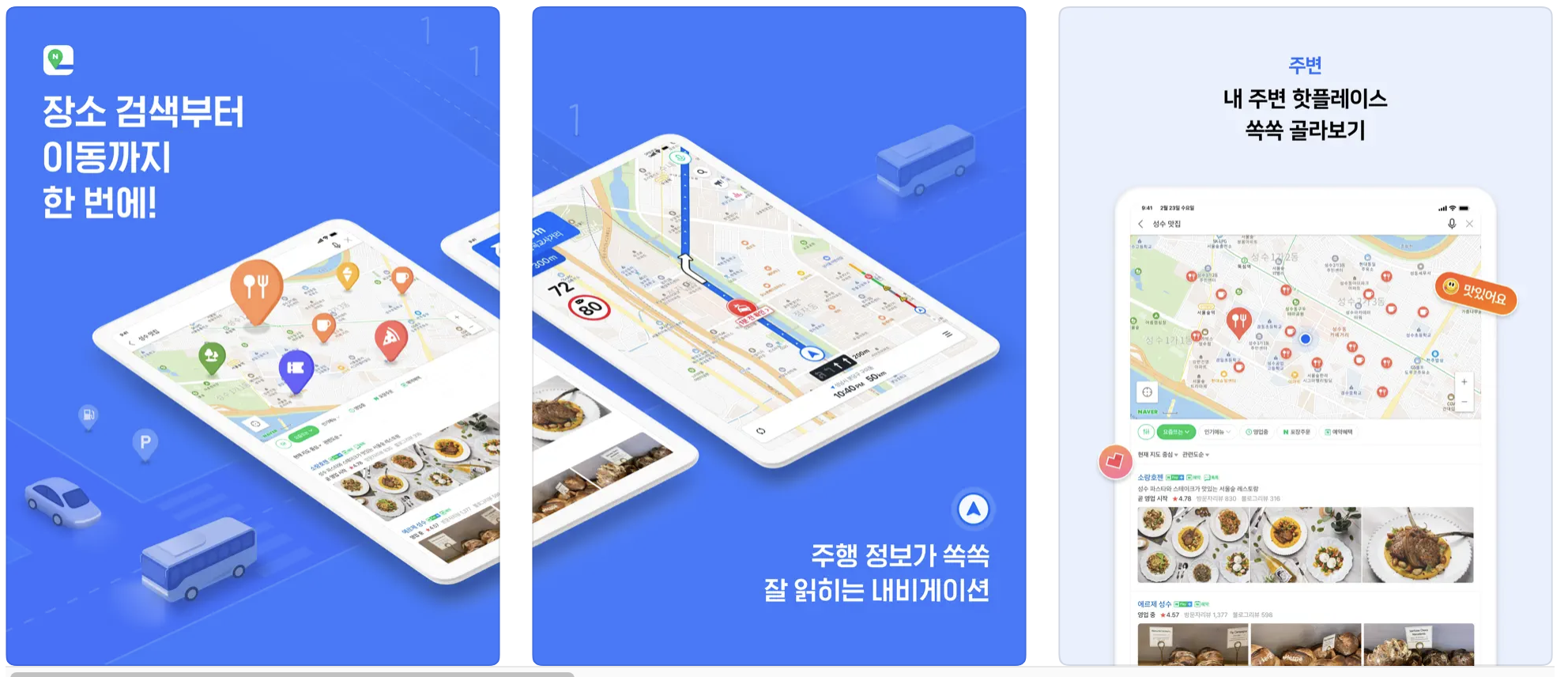
- Features of Naver Maps: Naver Maps is a mapping service operated by Naver. You can see real buildings in 3D and the indoor maps are very detailed.
- AI bus alerts: This is a unique feature of NAVER Maps that sends you push notifications of arrival before you board the bus, so you don’t miss your stop.
- Search for nearby facilities: You can search for nearby convenience stores, pharmacies, petrol stations, and more by category, so you can quickly find what you need while travelling.
- Local tour guides: Local tour guides provide information on restaurants and attractions near major tourist destinations, so you can plan your trip like a local.
Can’t understand Korea? With Papago Translator!
- Translate maps with Papago: Papago, a translator app run by Naver, offers a map translation feature. You can capture a screen shot of Naver Maps and upload it to Papago to translate Korean place names into English.
- Chat with voice translation: Papago has a voice translation feature, so if you’re driving and don’t understand the navigation instructions, use it to ask for directions.
- Understand building names with sign translation: Walking down the street and wondering about a sign? Snap a picture of it with the Papago app. It will translate the sign into English so you can understand what the building is about.
Take advantage of roaming services and Wi-Fi
- Choose your data roaming option: If you want to use data roaming in Korea, check your carrier’s options beforehand. Choose an unlimited data option so you can navigate without breaking the bank.
- Rent a roaming egg: A roaming egg, also known as a pocket wifi, is a device that allows you to use unlimited data for cheap in Korea. It’s convenient to rent one at the airport.
- Use free Wi-Fi: Korea is well-equipped with public Wi-Fi. You can use it for free in government offices, subway stations, coffee shops, and more. If your navigation is slow to load, take advantage of the free Wi-Fi.
How to handle emergencies
- Use the emergency number: Korea’s emergency number is 119. If you have an emergency, such as a car accident, dial 119. English-speaking operators are available.
- Get your embassy contact details: Save the contact details of your home embassy in case of an emergency, such as losing your passport. They can help you report it lost and get a replacement.
- Deal with roaming service issues: If you’re having trouble roaming data, find Wi-Fi and call your carrier from an international number. You can also visit a roaming egg rental shop.
Finding your way around an unfamiliar city can be intimidating, but if you’re prepared, it’s not a problem. Getting around Korea is easy enough with Google Maps and a translator, but don’t forget to use your local navigation app. Kakao Maps and Naver Maps are packed with tips and tricks that only locals know. Make sure you have good roaming and Wi-Fi so you don’t run out of data! Don’t forget to check out our safety tips.
Now you don’t have to be afraid of unfamiliar roads, just follow the friendly guidance of your navigation system to get wherever you want to go. You’ll have a lot of fun with your adventures, and don’t panic if you get lost – that’s part of the fun of travelling. Why not interact with the locals by asking for directions, and use your translator to communicate wittily? We’re sure you’ll be successful in finding your way around Korea. Have a great trip!
Living in Korea? You don't have to figure it out alone
Insurance, visas, jobs and hospital interpretation — WeBring supports every step of settling in Korea, in your language.

